
.svg)


.svg)


.svg)
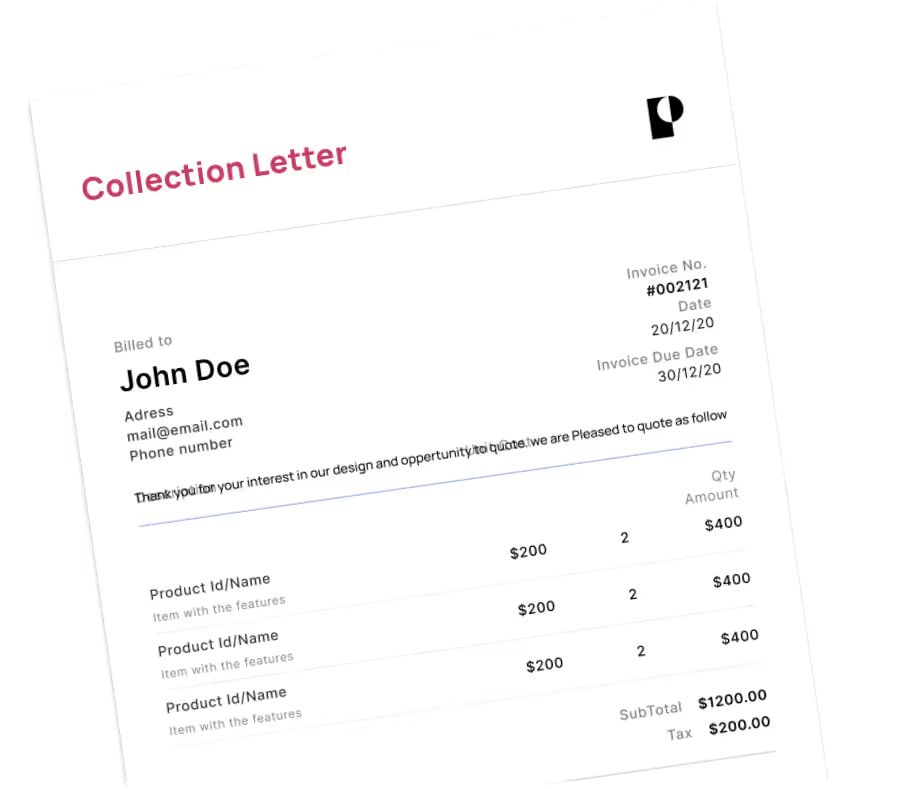

Connect KashFlow with your login and memorable word and send overdue invoices, including part-paid ones, to a licensed collector in your customer's country. Pay nothing upfront.
.svg)

.svg)

.svg)
.svg)
KashFlow is UK cloud accounting software from IRIS Software Group, used mainly by small businesses and sole traders. It handles invoicing, bank reconciliation, VAT returns and payroll.
KashFlow tells you which invoices are overdue and lets you remind the customer. It has no step for passing an unpaid invoice to a collection agency. So the next move is usually manual: copy the details into an email, find an agency, and track the result in a spreadsheet. If the customer is outside the UK, you also need someone who knows the local rules.
Debitura reads your unpaid and overdue KashFlow invoices. You choose which to escalate and each becomes a collection case, matched to a licensed collection agency or law firm in the debtor's country. You follow every case, message and payment on one platform and talk to the collector directly.
New to Debitura? Read how Debitura works, check pricing, or compare all Debitura integrations. A guide with screenshots is in the KashFlow connection guide.
KashFlow's API asks for random characters of your memorable word at every sign-in. Debitura stores the word encrypted and picks the requested characters when it signs in.
Only Unpaid, Overdue and Overdue part paid invoices are listed. Paid, overpaid and draft invoices are excluded.
Yes. Each case goes to a licensed partner in the debtor's country, in 180 countries, under one agreement you sign once.
No. There is no setup fee or subscription and you pay $0 upfront. You pay a success fee only when money is recovered: from 6% in Europe and 7.5% elsewhere, depending on claim size and the debtor's country. The fee is shown before you submit. See pricing.
Watch the setup video: