
Chargebee debt collection after dunning ends

Debitura has no direct Chargebee integration. When dunning ends and an invoice is still unpaid, send it with a Zap or a CSV export to a licensed collector in your customer's country.

Create a free account
Technical questions? Read the developer docs.
1Send overdue invoices to Debitura
2A licensed partner in the debtor's country takes the case
3Follow every case and payment in one dashboard
$0 upfront. You pay a success fee only on money that is recovered.
Chargebee

The step after Chargebee dunning: a local collector

Debitura has no direct Chargebee integration. You can still move unpaid Chargebee invoices to collection in a few minutes, with a Zap or a CSV export.
Start where dunning stops
Trigger a Zap from Chargebee when dunning fails or an invoice stays unpaid, filter it, and let Debitura Create Case open the case.
CSV for churned accounts
Export unpaid invoices of canceled subscriptions from Chargebee, copy them into the Debitura CSV template and upload.
Subscription claims made clear
Attach the signed terms and the invoice to the case. A clear record of what was agreed helps the collector.
Business or consumer customers
Debitura collects from both. The partner follows the local rules for the debtor's country and type.
Know when money comes in
The New Payment and Case Closed triggers on Zapier can update your billing team or CRM.
A local collector, No Cure, No Pay
Each case goes to a licensed collection agency or law firm in the debtor's country, in 180 countries. $0 upfront. You pay a success fee only when money is recovered.

What is Chargebee, and why do unpaid invoices get stuck there?

Chargebee is subscription billing and revenue management software for SaaS and subscription businesses. It runs recurring invoices, retries failed payments and sends dunning emails.

Dunning has an end. When the last retry fails, the subscription is often canceled and the invoice is written off or left open. The customer still owes the money, but Chargebee has no step that hands the debt to a collection agency.

How Debitura fits

Debitura does not connect to Chargebee directly today. Use a Zap or a CSV upload. Each case goes to a licensed local partner in the customer's country and you follow it on one platform. Attach the subscription terms so the collector can show what the customer agreed to.

How to send unpaid Chargebee invoices to Debitura

Route 1: Zapier

  1. In Debitura, create an API key on the API key page.
  2. In Zapier, create a Zap with the Chargebee app as the trigger. Choose a Chargebee trigger for failed payments or unpaid invoices.
  3. Add a Filter step so the Zap only continues when the invoice is unpaid and past its due date.
  4. Add the Debitura Create Case action and connect it with your API key.
  5. Map currency code (such as USD or GBP), invoice date, amount to recover, debtor name, email and full address with the two-letter country code. Add the due date and your invoice number as reference.
  6. Test the Zap. The case appears in Debitura with the status Pending Verification. Then publish.

Route 2: CSV upload

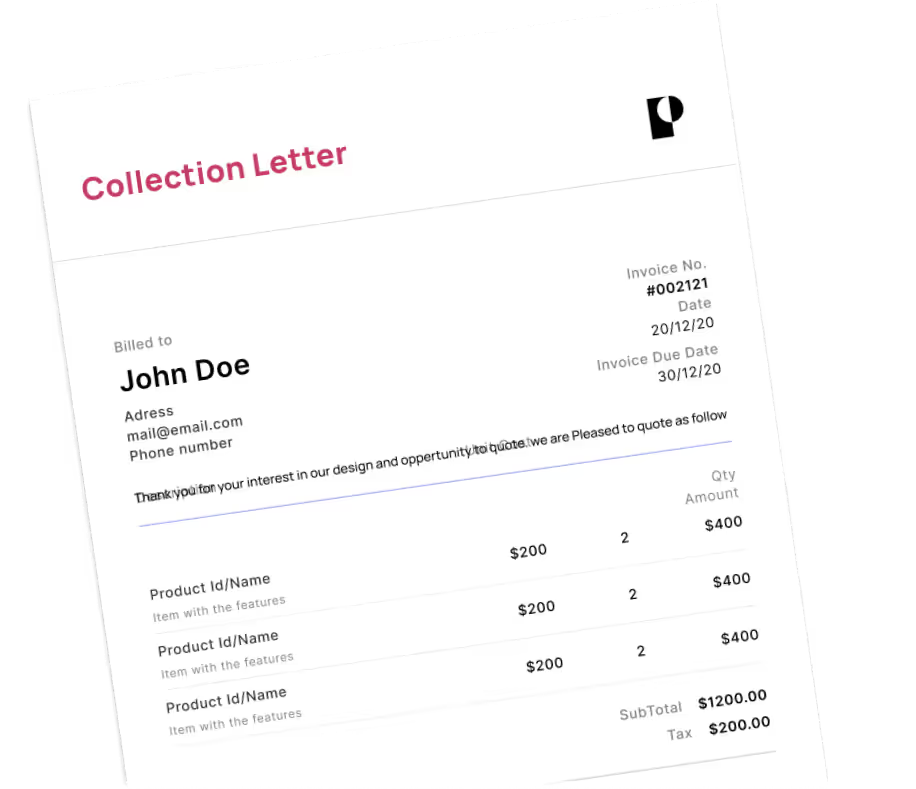
  1. In Chargebee, export the unpaid invoices you want to escalate. Filter invoices by status unpaid or not paid before you export.
  2. In Debitura, start a new case and choose CSV import. Download the CSV template.
  3. Copy your data into the template. Required columns: invoice number, debtor name, address, postal code, city, country, invoice date, principal amount and currency code. State, email, phone and due date are optional.
  4. Use one date format for the whole file, then upload it. Each row becomes a case.
  5. Review the cases and submit. You see the success fee before you submit.

New to Debitura? Read how Debitura works, check pricing, or see all Debitura integrations.

Chargebee debt collection: frequently asked questions

Does Debitura integrate directly with Chargebee?

No. There is no direct Chargebee integration today. Use the Debitura Zapier integration, a CSV upload, or the Debt Collection API if you want to build it into your own billing flow.

Which invoices can I send?

Undisputed unpaid invoices and loan repayments owed by your business customers, in any of the 180 countries we cover. Disputed claims and legal action are quoted separately and only start if you accept the quote.

Do I pay anything upfront?

No. There is no setup fee or subscription and you pay $0 upfront. You pay a success fee only when money is recovered: from 6% in Europe and 7.5% elsewhere, depending on claim size and the debtor's country. The fee is shown before you submit. See pricing.

Should I keep retrying the card?

Stop automatic retries once the case is with Debitura, so the customer is not charged twice. Tell the collector on the case chat if a payment comes in through Chargebee.

All integrations

Explore our other integrations

Get started for free

Submit your first claim in two minutes