

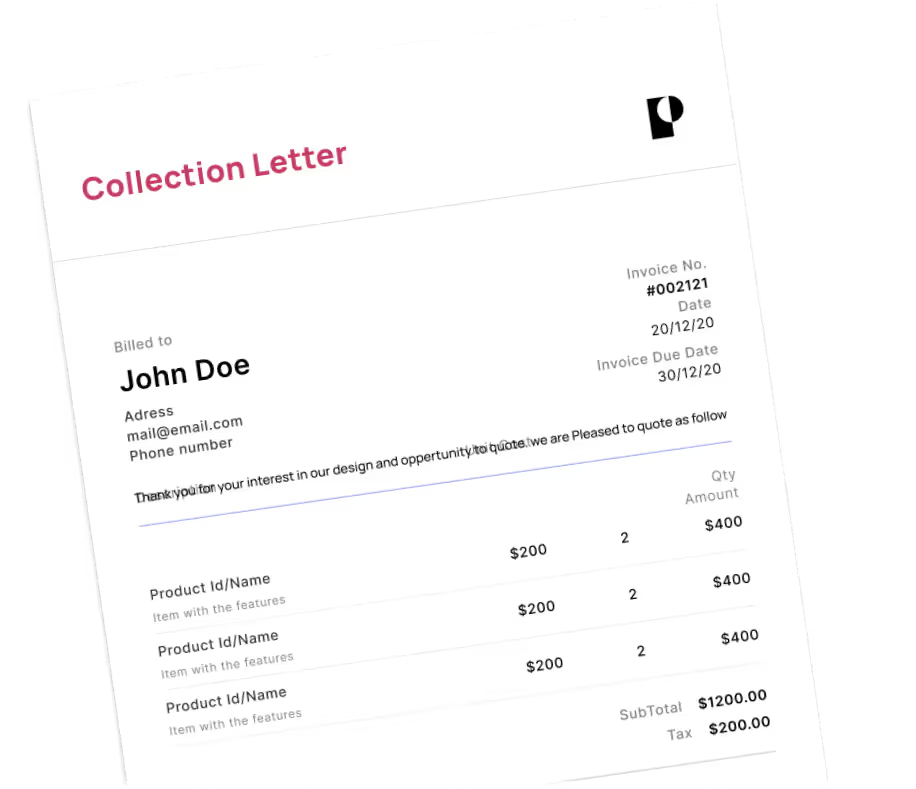

Recurly debt collection after dunning ends

Debitura has no direct Recurly integration. When dunning ends and an invoice is still past due, send it with a Zap or a CSV export to a licensed collector in your customer's country.

Create a free account
Technical questions? Read the developer docs.
1Send overdue invoices to Debitura
2A licensed partner in the debtor's country takes the case
3Follow every case and payment in one dashboard
$0 upfront. You pay a success fee only on money that is recovered.
Recurly

The step after Recurly dunning: a local collector

Debitura has no direct Recurly integration. You can still move past-due Recurly invoices to collection in a few minutes, with a Zap or a CSV export.
Start where dunning stops
Trigger a Zap from Recurly when an invoice goes past due or a dunning cycle fails, filter it, and let Debitura Create Case open the case.
CSV for a backlog
Export past-due invoices from Recurly, copy them into the Debitura CSV template and upload them in one batch.
Contracts that still apply
Customers under a minimum term still owe what they signed up for. Attach the terms and invoice so the collector can show it.
Built for business customers
Debitura is built for invoices to business customers, in 180 countries. Have a larger consumer portfolio? Contact us.
Status back to your team
The New Payment and Case Closed triggers on Zapier keep billing and customer success up to date.
A local collector, No Cure, No Pay
Each case goes to a licensed collection agency or law firm in the debtor's country, in 180 countries. $0 upfront. You pay a success fee only when money is recovered.

What is Recurly, and why do unpaid invoices get stuck there?

Recurly is a subscription billing platform. It manages plans and recurring invoices, retries failed payments and runs dunning campaigns to win back customers whose cards fail.

When dunning fails, Recurly can close the subscription and leave the invoice past due. The money is still owed, often under a signed contract, but Recurly has no step that sends the debt to a collection agency.

How Debitura fits

Debitura does not connect to Recurly directly today. Use a Zap or a CSV upload. Each case goes to a licensed local partner in the customer's country and you follow it on one platform. Attach the signed terms so the collector can show what the customer agreed to.

How to send past-due Recurly invoices to Debitura

Route 1: Zapier

  1. In Debitura, create an API key on the API key page.
  2. In Zapier, create a Zap with the Recurly app as the trigger. Choose a Recurly trigger for past-due invoices or failed payments.
  3. Add a Filter step so the Zap only continues when the invoice is unpaid and past its due date.
  4. Add the Debitura Create Case action and connect it with your API key.
  5. Map currency code (such as USD or GBP), invoice date, amount to recover, debtor name, email and full address with the two-letter country code. Add the due date and your invoice number as reference.
  6. Test the Zap. The case appears in Debitura with the status Pending Verification. Then publish.

Route 2: CSV upload

  1. In Recurly, export the unpaid invoices you want to escalate. Filter invoices by past-due state before you export.
  2. In Debitura, start a new case and choose CSV import. Download the CSV template.
  3. Copy your data into the template. Required columns: invoice number, debtor name, address, postal code, city, country, invoice date, principal amount and currency code. State, email, phone and due date are optional.
  4. Use one date format for the whole file, then upload it. Each row becomes a case.
  5. Review the cases and submit. You see the success fee before you submit.

New to Debitura? Read how Debitura works, check pricing, or see all Debitura integrations.

Recurly debt collection: frequently asked questions

Does Debitura integrate directly with Recurly?

No. There is no direct Recurly integration today. Use the Debitura Zapier integration, a CSV upload, or the Debt Collection API.

Which invoices can I send?

Undisputed unpaid invoices and loan repayments owed by your business customers, in any of the 180 countries we cover. Disputed claims and legal action are quoted separately and only start if you accept the quote.

Do I pay anything upfront?

No. There is no setup fee or subscription and you pay $0 upfront. You pay a success fee only when money is recovered: from 6% in Europe and 7.5% elsewhere, depending on claim size and the debtor's country. The fee is shown before you submit. See pricing.

Should I keep the subscription open?

That is your choice. Stop automatic payment retries once the case is with Debitura and tell the collector on the case chat if a payment arrives in Recurly.

All integrations

Explore our other integrations

Get started for free

Submit your first claim in two minutes