
QuickBooks debt collection integration for unpaid invoices

Connect QuickBooks Online in a few clicks and send unpaid invoices to a licensed collector in your customer's country. Filter by invoice or due date, review the remaining balance, and pay nothing upfront.

Create a free account
Technical questions? Read the developer docs.
1Send overdue invoices to Debitura
2A licensed partner in the debtor's country takes the case
3Follow every case and payment in one dashboard
$0 upfront. You pay a success fee only on money that is recovered.
QuickBooks

When QuickBooks reminders stop working, send the invoice to collection from the same list

What the QuickBooks Online integration does for your receivables
Connect with the official QuickBooks button
You authorize Debitura through Intuit's own Connect to QuickBooks flow. We never see your QuickBooks password, and access tokens refresh in the background.
See only invoices with money still owed
Debitura lists QuickBooks invoices with a balance above zero. Filter them by invoice date or due date to find the ones that are past your terms.
The remaining balance, not the original total
If a customer paid part of an invoice, the case is created for the amount still open, so the collector chases the right figure.
Debtor details filled in from QuickBooks
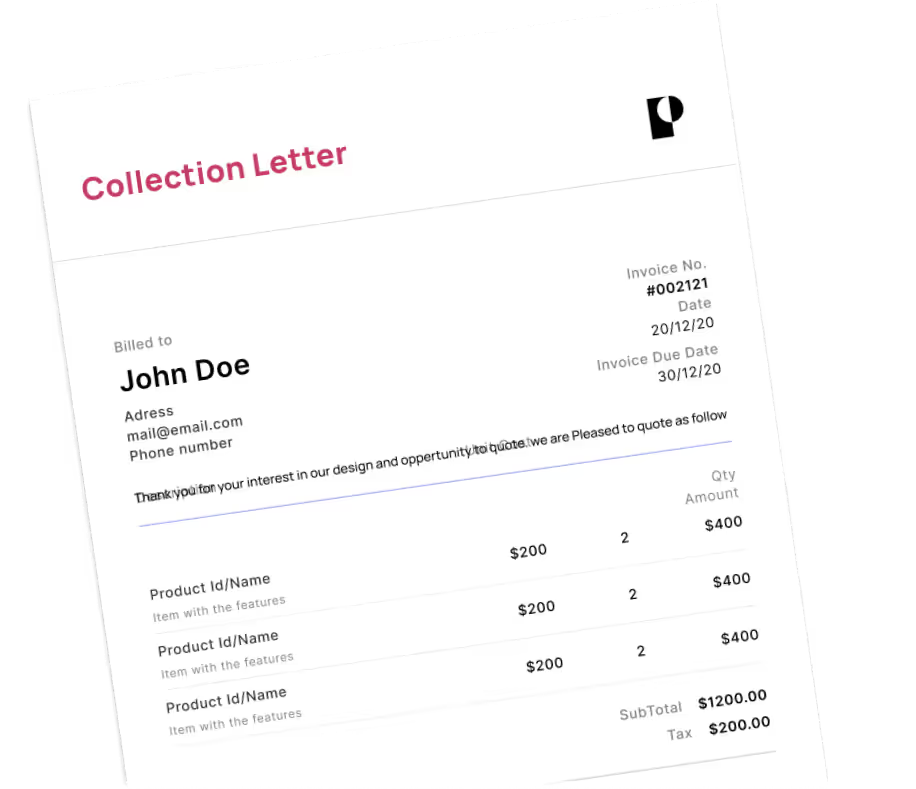
Invoice number, invoice date, due date, currency, customer name, email, phone and billing address map into the case. The shipping address is used when billing is empty.
Disconnect means disconnect
Removing the integration in Debitura revokes our access at Intuit. If you disconnect from inside QuickBooks, Debitura shows a reconnect state instead of a stale connected label.
A local collector, No Cure, No Pay
Each case goes to a licensed collection agency or law firm in the debtor's country, in 180 countries. $0 upfront. You pay a success fee only when money is recovered.

What is QuickBooks Online, and why do unpaid invoices get stuck there?

QuickBooks Online is Intuit's cloud accounting software for small and midsize businesses. You create invoices, take payments, reconcile the bank and run reports such as accounts receivable aging in one place.

QuickBooks is built to send invoices and reminders. It is not built to escalate. When a customer ignores the reminders, the invoice just ages in your receivables report. Many teams then export the details, email a collection agency, and track the outcome in a spreadsheet. It gets harder when the customer is in another state or another country, because the rules and the right agency change with the debtor's location.

What the integration changes

Debitura reads your unpaid QuickBooks invoices, so you can pick the ones to escalate and create collection cases without retyping anything. Each case is matched to a licensed collection agency or law firm in the debtor's country. You follow every case, message and payment on one platform and talk to the collector working your case directly.

How to send unpaid QuickBooks invoices to collection

  1. Log in at app.debitura.com and go to Settings > Integrations.
  2. Choose QuickBooks Online and click Connect to QuickBooks.
  3. Sign in to Intuit, pick the QuickBooks company you want to connect and approve access.
  4. Open Bulk import (integration). Filter by invoice date or due date to list the overdue invoices.
  5. Check the debtor details and the remaining balance on each invoice. Complete any missing address in QuickBooks first.
  6. Select the invoices to escalate and create the cases. You see the success fee before you submit.
  7. Follow each case on the Debitura platform and message the collector directly.

New to Debitura? Read how Debitura works, check pricing, or compare all Debitura integrations. Prefer a step-by-step guide with screenshots? See the QuickBooks connection guide.

QuickBooks debt collection: frequently asked questions

Can QuickBooks send an invoice to collections?

QuickBooks can send invoices and reminders, but it does not hand a debt to a collection agency. The Debitura integration adds that step: you select unpaid QuickBooks invoices and each one becomes a collection case with a licensed local partner.

Which QuickBooks invoices can I send?

Undisputed unpaid invoices with a balance above zero, owed by your business customers. Disputed claims and legal action are quoted separately and only start if you accept.

Does the integration cost anything?

No. There is no setup fee or subscription and you pay $0 upfront. You pay a success fee only when money is recovered: from 6% in Europe and 7.5% elsewhere, depending on claim size and the debtor's country. The fee is shown before you submit. See pricing.

Should I write off the invoice as bad debt first?

No. Keep the invoice open in QuickBooks while the case runs, so the balance still reflects what the customer owes. Decide on a write-off with your accountant once the case is closed.

Does it work with QuickBooks Desktop?

The integration connects to QuickBooks Online. From QuickBooks Desktop you can export the unpaid invoices and use CSV import, or build a flow with the Debt Collection API.

Watch the setup video:

All integrations

Explore our other integrations

Get started for free

Submit your first claim in two minutes